
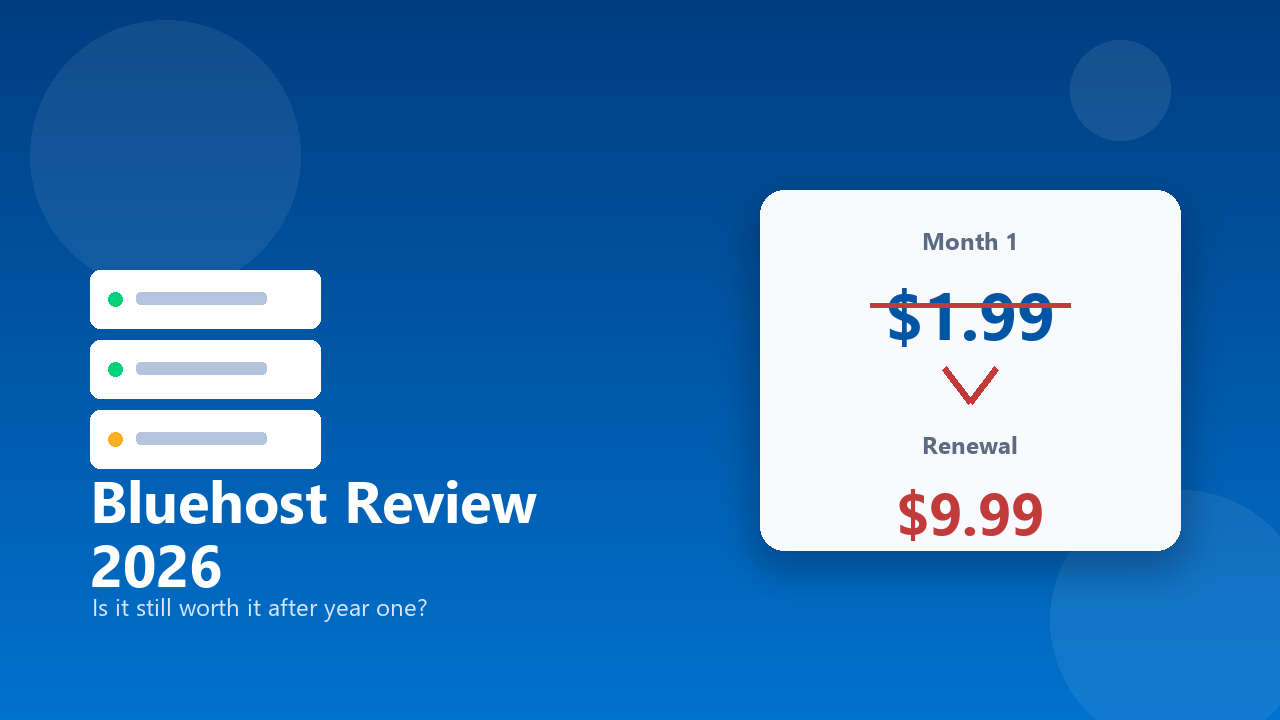
You signed up at $2.95 a month. It felt like a no-brainer — barely the cost of a coffee to get your website online. Then the renewal notice landed, and the number staring back at you was $10.99. Nobody hid this from you, technically; it was in the terms somewhere. But that doesn’t make the moment of actually seeing your card get charged nearly four times what you budgeted for sting any less.
That renewal jump is the single most common complaint attached to Bluehost’s name, and it colors almost every review the platform gets. But it’s not the whole story. This review walks through what you’re actually getting in 2026 — the real pricing, the real uptime numbers, and the support experience that reviewers describe in wildly different terms depending on who you ask.
What Is Bluehost, Exactly?
Bluehost is one of the largest web hosting providers in the world, and it’s best known for being one of the platforms officially recommended by WordPress.org — a recommendation that’s carried real weight in steering millions of beginners toward it over the years. It offers shared hosting, VPS, dedicated servers, and WordPress-specific hosting plans, but its core audience has always been people building their first website who want a low-cost, mostly hands-off starting point.
That positioning shapes almost everything about how Bluehost operates, including the pricing structure, which is built to get first-time buyers in the door cheaply and worry about the renewal conversation later.
Bluehost Pricing in 2026: The Intro Rate vs. the Real Rate
Bluehost’s advertised pricing starts as low as $1.99 a month for the entry-level Starter shared hosting plan, with the Business plan showing up around $6.99 a month — both numbers typically tied to a 36-month upfront commitment. Those are genuinely competitive rates if you take them at face value.
The problem is that face value isn’t what you’ll actually pay past your first term. The Starter plan’s $3.99-a-month rate on a 36-month term renews at $9.99 a month. Choose a shorter 12-month term instead, and you’ll start at $4.99 and renew at $11.99. The Business plan follows the same pattern, moving from roughly $6.99 up to $13.99 at renewal. Documented cases show introductory rates as low as $2.95 jumping to $10.99 at renewal — a 271% increase from what you originally signed up for.
Why the Renewal Jump Happens
This isn’t unique to Bluehost — long-term promotional pricing followed by a steep renewal is standard practice across most of the web hosting industry. What makes it worth calling out specifically here is how large the gap tends to be and how little most new customers notice it during checkout, when the focus is on the tiny monthly number rather than the multi-year total. If you’re budgeting for a website, calculate the actual renewal cost before you sign up, not after the charge hits your card.
The Checkout Upsells You Should Watch For
Beyond the base plan, Bluehost charges separately for a handful of add-ons that show up, often pre-selected, during checkout. CodeGuard backup service runs anywhere from about $47.88 to $107.88 a year depending on the tier, and SiteLock security add-ons range from roughly $95.88 to $239.88 a year. Reviewers consistently flag the checkout flow as aggressive about bundling these extras in by default, which means an inattentive click can meaningfully inflate your first invoice beyond the plan price you thought you were paying. Read the cart carefully before you confirm the purchase, and deselect anything you didn’t specifically decide you wanted.
What’s Actually Included at That Starter Price
It’s worth being specific about what the entry-level plan gets you, since “$1.99 a month” on its own doesn’t tell you much. The Starter plan typically bundles in a free domain name for the first year, a free SSL certificate, and enough storage and bandwidth to comfortably run a small site — a portfolio, a local business page, a blog getting started. One-click WordPress installation is included as well, which matters if you’re not comfortable configuring a content management system manually.
Where the Starter tier shows its limits is resource allocation. Shared hosting means your site sits on a server alongside other customers’ sites, and the entry plan generally caps things like website count and storage more tightly than the mid-tier options. If you’re planning to run more than one site, or you expect meaningful traffic growth in year one, it’s worth pricing out the Plus or Business tier from the start rather than assuming you’ll upgrade painlessly later — migrations between hosts, even within the same company, aren’t always as seamless as the marketing suggests.
Uptime and Performance: What the Data Actually Shows
Here the picture is genuinely more favorable than the pricing complaints might suggest. Bluehost advertises a 99.99% uptime guarantee, and independent testing paints a picture that’s close to that claim without landing exactly on it. ThemeIsle’s testing across May, June, and July 2026 recorded 100% uptime with strong loading times across several global test locations. A separate independent test by HostingStep, run in late 2025, measured 99.95% uptime — technically short of the advertised 99.99% figure, but still a strong, reliable number in practical terms for the vast majority of small business and personal websites.
The takeaway: performance complaints aren’t where Bluehost struggles. If your site goes down or loads slowly on Bluehost, it’s more likely a configuration or shared-resource issue on a specific plan than a sign the infrastructure itself is unreliable.
Customer Support: Two Very Different Experiences
This is one of the more polarized parts of the Bluehost picture, and it’s worth understanding why the reviews contradict each other so sharply. A meaningful share of negative reviews on Trustpilot and Web Hosting Talk describe support as unresponsive, inconsistent, and generic — complaints that track with Bluehost’s shift toward an offshore support model, which some long-time users say noticeably changed the quality of help they used to get.
At the same time, Bluehost carries a 4.6 out of 5 rating on Trustpilot across more than 28,000 reviews, and a real portion of the positive reviews specifically credit responsive phone support as the reason they’ve stayed loyal for years. Both things appear to be true simultaneously: plenty of customers get fast, helpful phone support, and plenty of others run into agents who can’t resolve their issue. If support quality is a dealbreaker for you, it’s worth testing a live chat interaction yourself before committing to a multi-year plan.
The WordPress.org Recommendation: What It Actually Means
Bluehost’s status as an officially recommended WordPress.org host gets cited constantly in its marketing, and it’s a legitimate credibility marker — WordPress.org doesn’t hand that endorsement out casually. In practical terms, it means Bluehost offers solid one-click WordPress installation and reasonably deep WordPress-specific tooling, which matters if WordPress is actually what you’re building on.
What it doesn’t mean is that Bluehost is automatically the best WordPress host available in 2026, or that the recommendation accounts for pricing structure, renewal rates, or support quality. Treat it as a signal of baseline compatibility and legitimacy, not as an independent endorsement of value for money.
Bluehost vs. SiteGround and Hostinger
Against SiteGround, Bluehost generally wins on entry-level price and brand recognition, while SiteGround tends to earn stronger marks for support consistency and performance on its own mid-tier plans — though SiteGround’s renewal pricing carries its own version of the same jump, so neither platform escapes that industry pattern entirely.
Against Hostinger, Bluehost’s intro pricing is less aggressive — Hostinger typically undercuts it at the entry level — but Bluehost’s WordPress.org relationship and longer track record with more complex hosting needs (VPS, dedicated servers) give it an edge for anyone who expects to outgrow basic shared hosting.
Who Should Actually Use Bluehost?
First-time website owners building a straightforward WordPress site, blog, or small business page get a genuinely solid, low-friction starting point here, provided they go in with clear eyes about the renewal pricing and lock in the longest term they’re comfortable committing to upfront. The WordPress-specific tooling and one-click setup make it a sensible default for anyone who doesn’t want to think hard about hosting infrastructure.
If you’re specifically support-sensitive — someone who wants to know a knowledgeable human will pick up the phone quickly every time — weigh the mixed support reviews carefully before committing to a multi-year term you can’t easily exit. And if you’re technical enough to manage your own migrations and configuration, shopping the renewal rate against competitors before your term ends is worth the twenty minutes it takes.
Small agencies managing a handful of client sites may find the Business or Pro tiers reasonable too, provided they build the eventual renewal cost into what they charge clients rather than absorbing the jump themselves a year or three later. What doesn’t make sense on Bluehost is a high-traffic or resource-intensive site on the Starter tier — that’s a mismatch that tends to surface as slowdowns rather than outright downtime, and it’s better solved by choosing the right tier upfront than by troubleshooting after the fact.
Frequently Asked Questions
Is Bluehost worth it in 2026?
For first-time website owners building a WordPress site who lock in a longer term and go in aware of the renewal pricing, yes. If support responsiveness is your top priority or you’re price-sensitive at renewal time, it’s worth comparing against competitors before committing.
How much does Bluehost actually cost after the first term?
Introductory rates start around $1.99 to $6.99 a month depending on the plan and term length, but renewal pricing is significantly higher — the Starter plan renews around $9.99 to $11.99 a month, and Business around $13.99 a month. Some documented cases show increases of over 250% from the original signup rate.
Does Bluehost have hidden fees?
Not hidden exactly, but easy to miss. Add-ons like CodeGuard backups ($47.88–$107.88/year) and SiteLock security ($95.88–$239.88/year) are billed separately from your hosting plan and are sometimes pre-selected at checkout, so review your cart carefully before confirming.
Is Bluehost’s uptime actually reliable?
Yes, in practice. Independent testing has shown results ranging from 99.95% to 100% uptime across recent testing periods, which falls close to Bluehost’s advertised 99.99% guarantee and is solid performance for the vast majority of websites.
Is Bluehost customer support good or bad?
It depends who you ask, and both experiences appear to be genuinely common. Some users report unresponsive, inconsistent support tied to an offshore support shift, while a large share of Trustpilot’s 28,000-plus reviews specifically praise responsive phone support as a reason for staying loyal.
Is Bluehost better than SiteGround or Hostinger?
It depends on your priority. Bluehost generally offers stronger entry-level pricing and a longer track record with advanced hosting than Hostinger, while SiteGround tends to edge it out on support consistency. All three carry some version of the renewal price jump that’s standard across the hosting industry.
What’s included in Bluehost’s cheapest plan?
The Starter plan typically includes a free domain for the first year, a free SSL certificate, one-click WordPress installation, and enough storage and bandwidth for a small site. Resource limits are tighter than on higher tiers, so it’s best suited to a single, low-to-moderate-traffic site rather than multiple sites or heavy traffic.
Final Verdict
Bluehost’s reputation problem is really a pricing transparency problem, not a performance problem. The uptime numbers hold up, the WordPress.org backing is legitimate, and the platform genuinely works well for what it’s built for: getting a first website online cheaply and with minimal technical friction. Where it loses trust is the gap between the number that gets you in the door and the number that shows up on your card a year or three later, plus a support experience that depends heavily on which agent picks up.
Go in with the real renewal cost calculated ahead of time, decline the checkout add-ons you don’t actually need, and Bluehost is a perfectly reasonable place to host a first website. Go in expecting the intro price to be the permanent price, and you’ll end up writing the same renewal-shock review as everyone else.